Picrew.Me Kimono Avatar Creators part 3

It’s that time again! I’ve gone through literally hundreds of avatar creators on Picrew.me to bring you ones with kimono! Sadly none of these are kimono-specific, but they all have kimono hidden within their depths, typically with options to customise styles and colours. You can, of course, also use them to make non-kimono avatar, but where’s the fun in that?

If you need instructions on how to use the interface, I have a detailed breakdown in my first Picrew post.

[wptb id=11724]

As always, I hope you have fun with these and I’d love to see what you create with them.  😀
Picrew.Me Kimono Avatar Creators part 2

I know things have been rather quiet here, and I do apologise. I’ve been doing a lot of back-end work, stuff that keeps the site running efficiently, but I realise that while it’s necessary it’s also not very interesting for you guys!

One of the things I did was update last summer’s Picrew Kimono Avatars post so it was responsive and worked on mobile devices. While doing that, I realised it’s one of my most popular and most frequently revisited posts, so I thought maybe it was time to do another one! I promise, there are actual kimono coordinations and some book reviews coming up, but in the meantime I hope you have fun with this. If you’re new to Picrew.me and aren’t sure how the interface works since it’s all in Japanese, there’s an explanation and tutorial in the previous post.

Female Avatars

[wptb id=11262]

Male Avatars

[wptb id=11276]

I hope that this table setup works better on mobile devices for you, and that you have lots of fun playing with these avatars while we’re all stuck inside our homes!

H is for Hanafuda

Hanafuda, 花札, flower cards, traditional playing cards

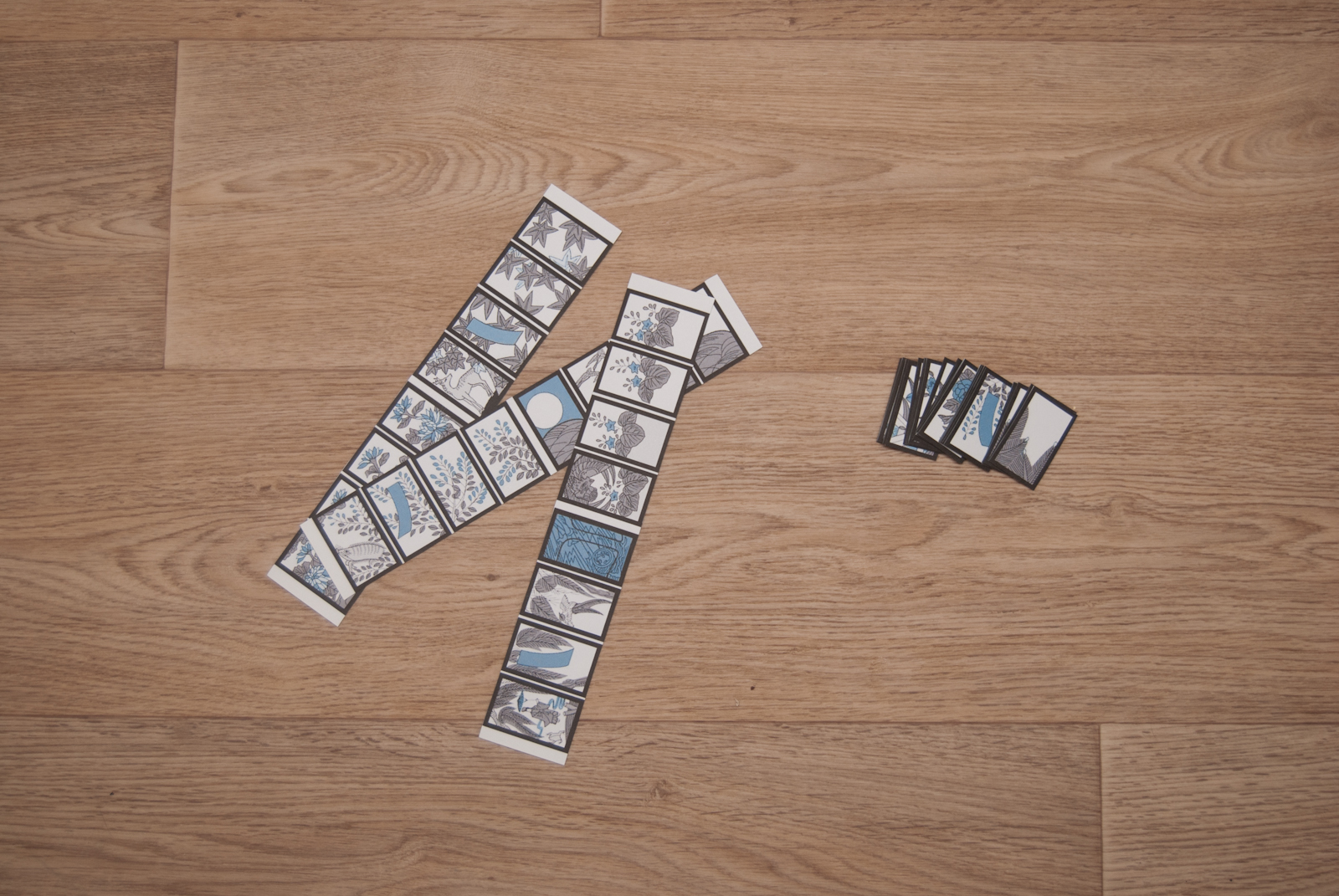
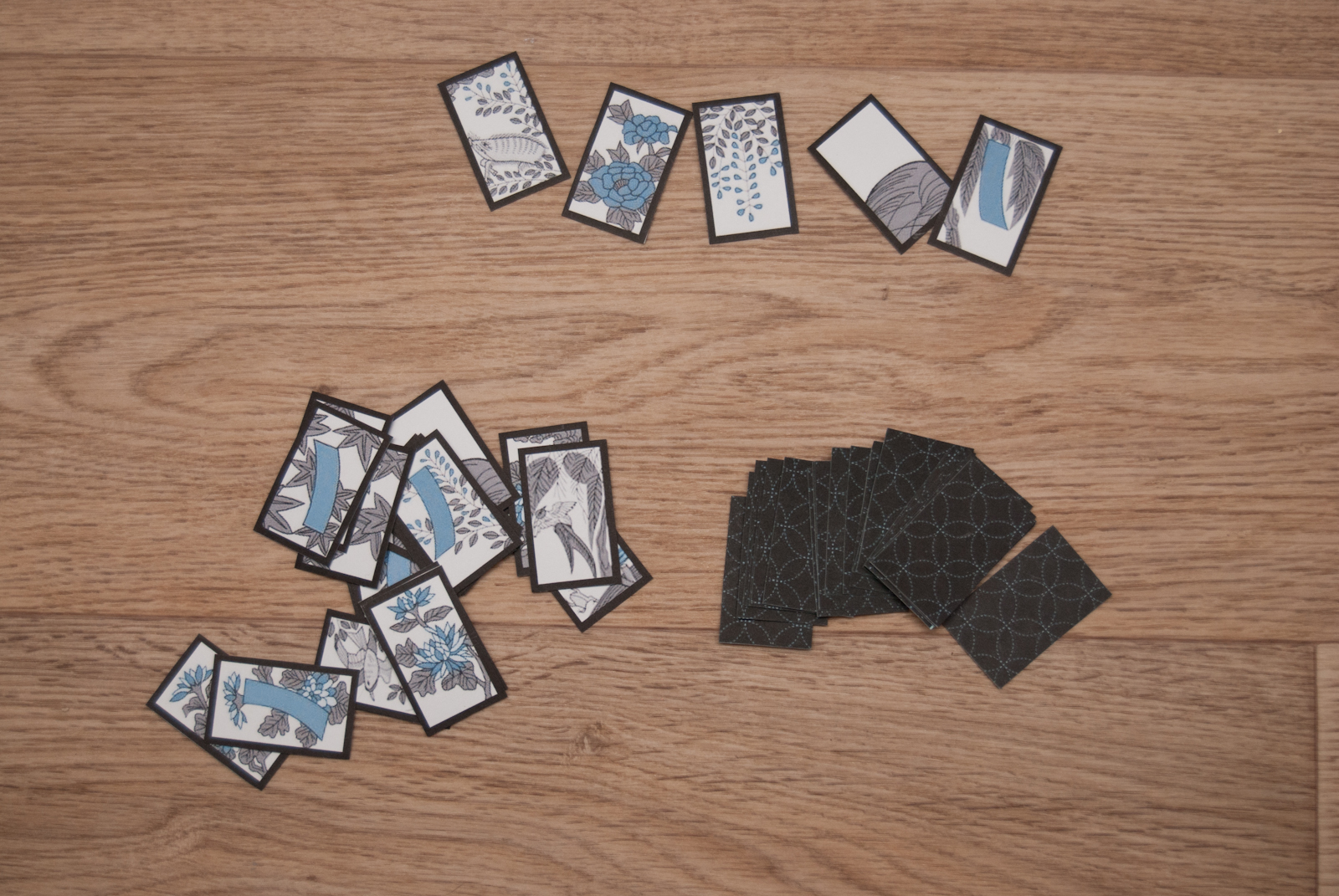
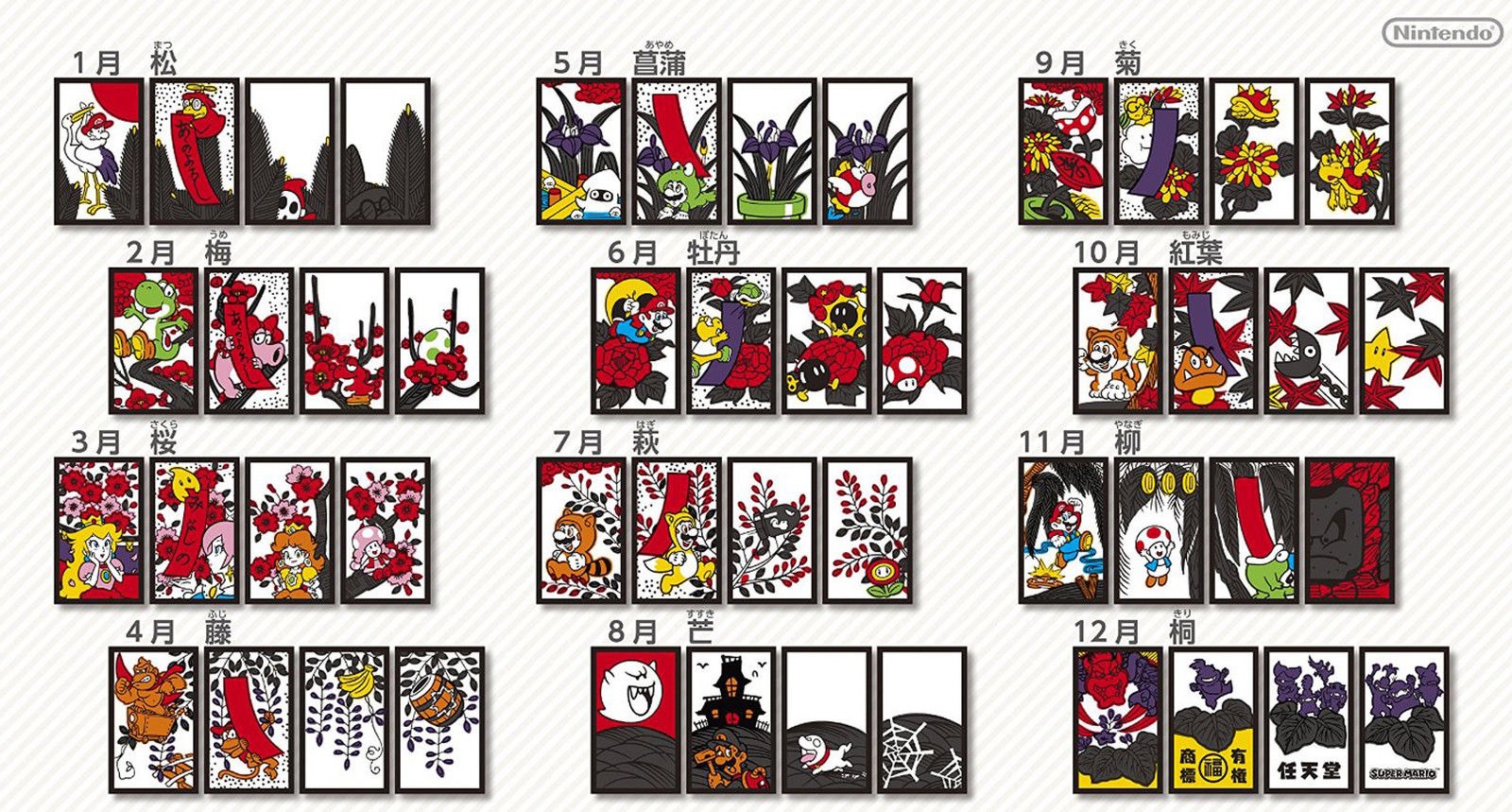
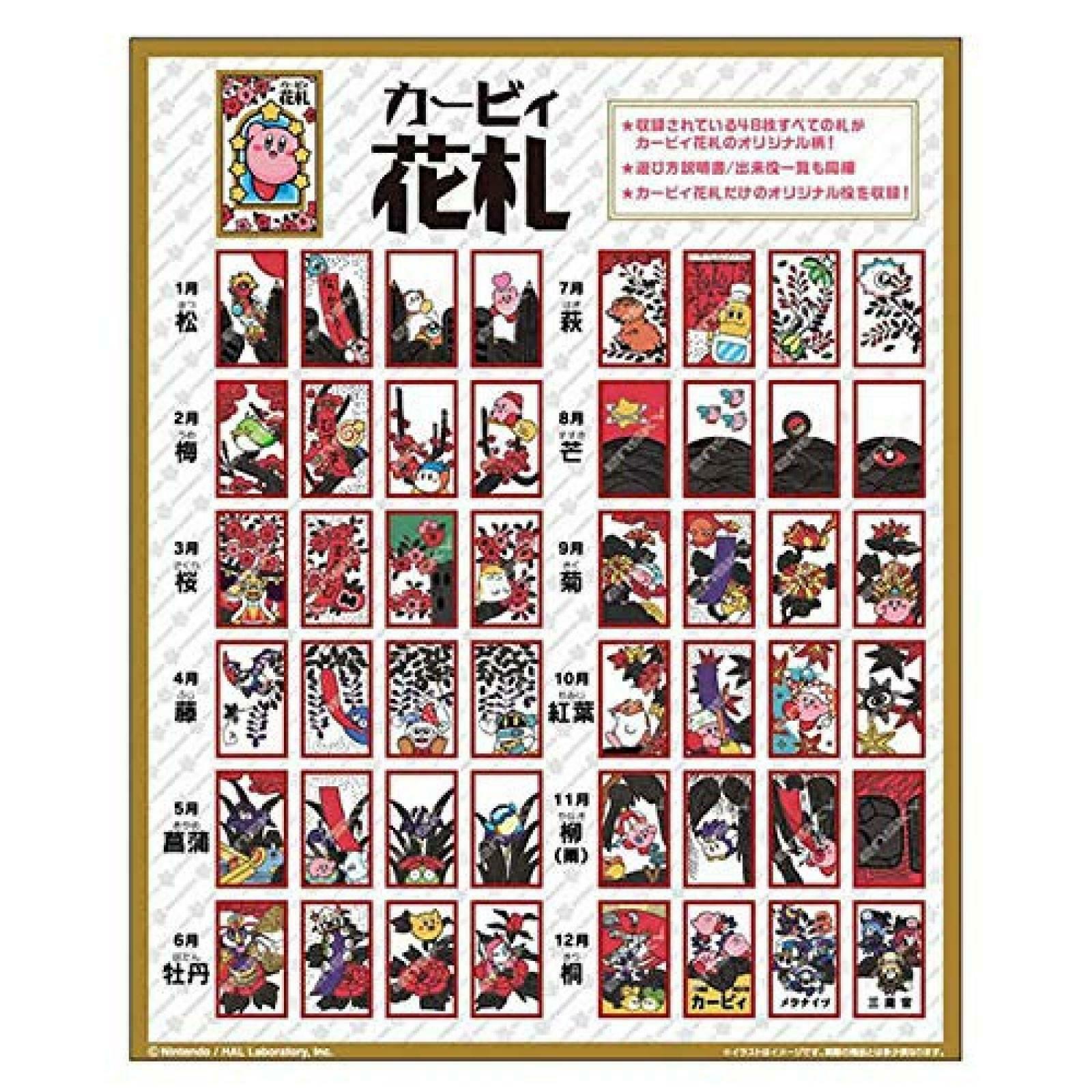
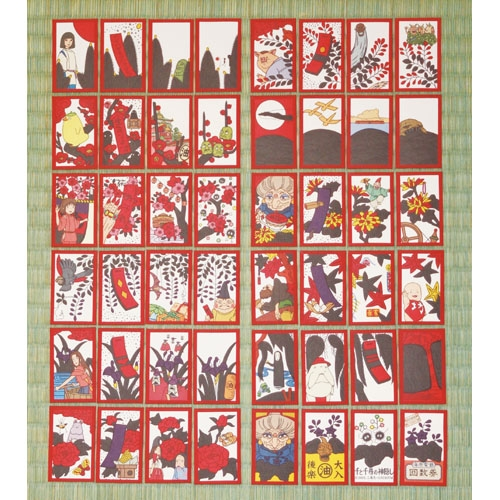
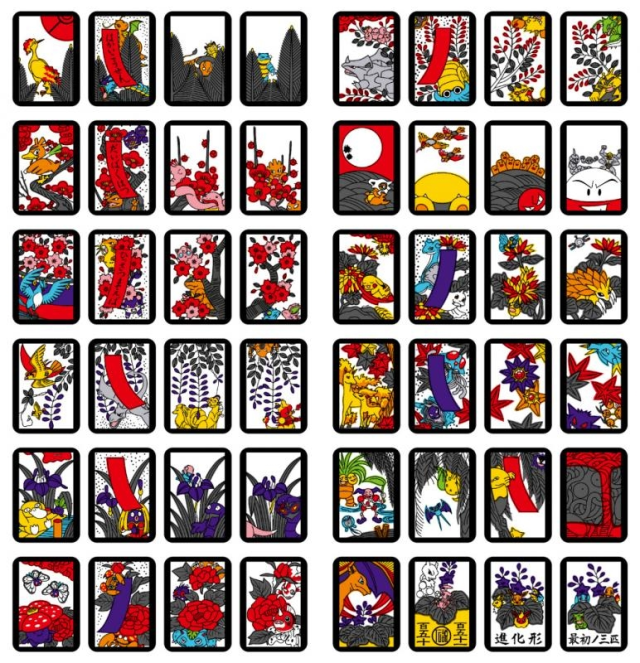
Did you know that the Nintendo we all know and love started out as a company that made playing cards? Their original product was a set of hanafuda cards! Hanafuda are small, traditional Japanese cards featuring designs of flowers and seasonal motifs. Like our more familiar decks of playing cards, there are lots of different games and variations you can play with hanafuda.  To this day, Nintendo still makes novelty hanafuda sets. So do several other companies in Japan. You can find decks featuring Super Mario Bros, Kirby, beloved movies like Spirited Away, and even a Pokemon set!

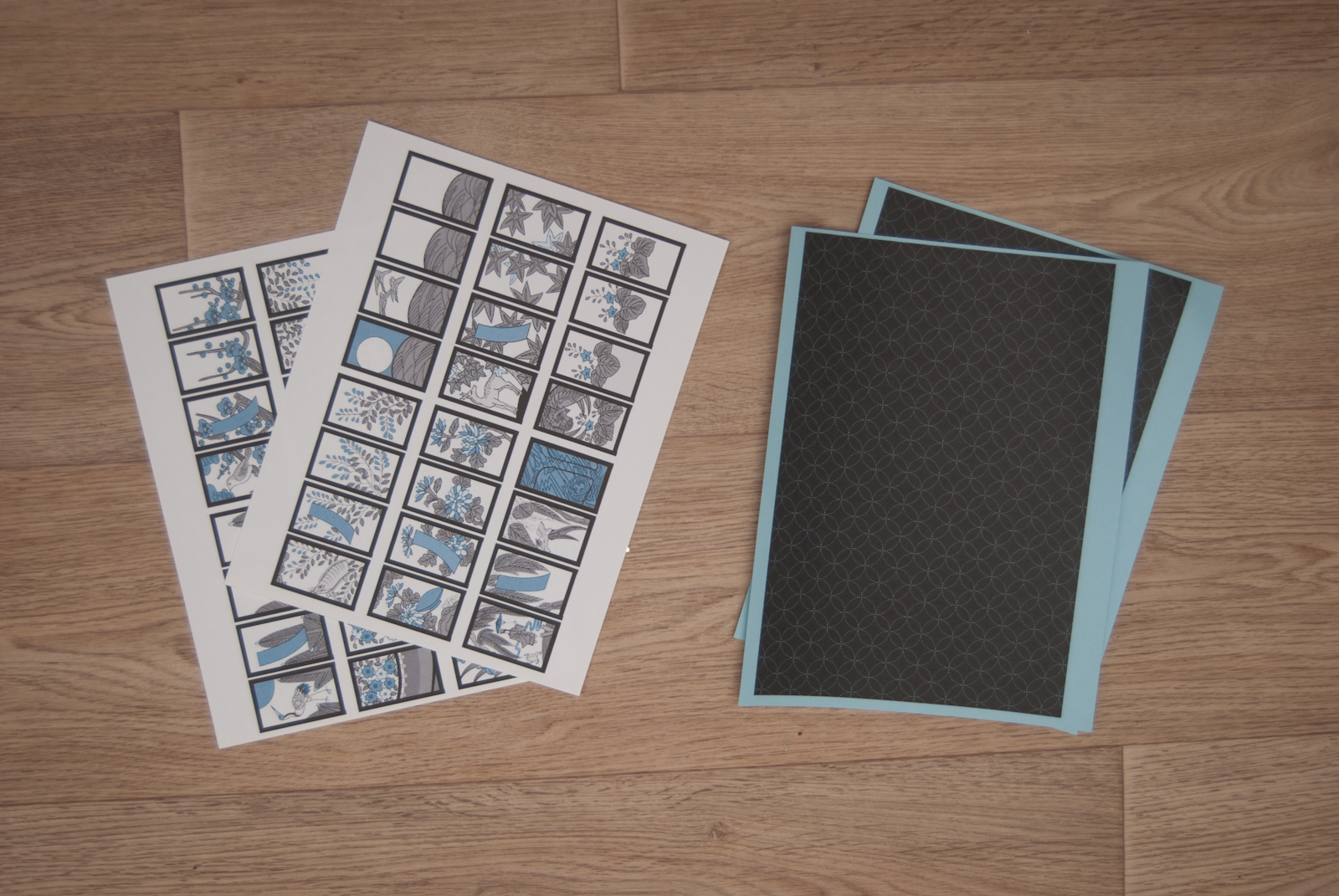
However, if you’d like your own free set, I’m here for you. I’ve created a muted, monochrome set based on the original designs but using the colour scheme from this blog I love so much. All you need to do is print out this PDF on heavy-weight card paper (I had blue and white so I used blue for the background side but plain white works just as well). Then glue each card sheet to one background sheet with stick glue, put a heavy weight on them to dry them flat (I used books), and then cut them out after 24 hours or so.

Click here to download the PDF

For game instructions, Wikipedia has your back. Enjoy your new hanafuda deck, and have fun!

Picrew.me Kimono Avatar Creators

If you’ve spent any time on any large social media platform lately, odds are you’ve seen avatars made using the Picrew.me site. It’s an enormous repository of avatar creators that started in Japan but has since spread worldwide. No matter what kind of avatar you want to create, you can find something for it.

However, it is quite large and a bit overwhelming to browse, especially since the interface and a lot of the creators are all in Japanese. Fear not though, I’ve gone through and found all of the best kimono-themed ones for you to play with, and a few little extras at the bottom!

How to use Picrew.me

If you’re new to Picrew and feeling overwhelmed by all the Japanese text and buttons, don’t fret! The interface is very straightforward, and here’s a little mini-tutorial that will hopefully help you out.

  • 1. Confirm/begin your avatar
  • 2. Scroll through here to see all the options to customise
  • 3. Choose item colour (if applicable – this one isn’t always available)
  • 4. Choose item style
  • 5. Save/complete your avatar
  • 6. Randomise – The first pink button randomises all features, the second pink button randomises the feature you’ve currently selected. The grey button at the bottom cancels all randomisation, the yellow button at the top confirms them.

For organisational purposes, I’ve separated these into female avatars, male avatars, and other things. I realise this gendering isn’t ideal, but the list got overwhelming without it. However, I do encourage you to use whichever avatar creator you like best!

Female Avatars

[wptb id=11268]

Male Avatars

[wptb id=11270]

Other

[wptb id=11272]

I hope you had tons of fun playing with these amazing kimono avatar creators! I would love to see what you make with them. 💖

Review – Paperless Post Project

Recently, I was contacted by the Paperless Post Project, offering me some credits to explore and review their service. At first, I admit that I was uncertain about a way to tie it in to the content of this blog, but my worries were unfounded. We had a kimono club event coming up, and there’s such a wonderful variety of invitations and digital paper products that I knew it would be a great way to send out invites.

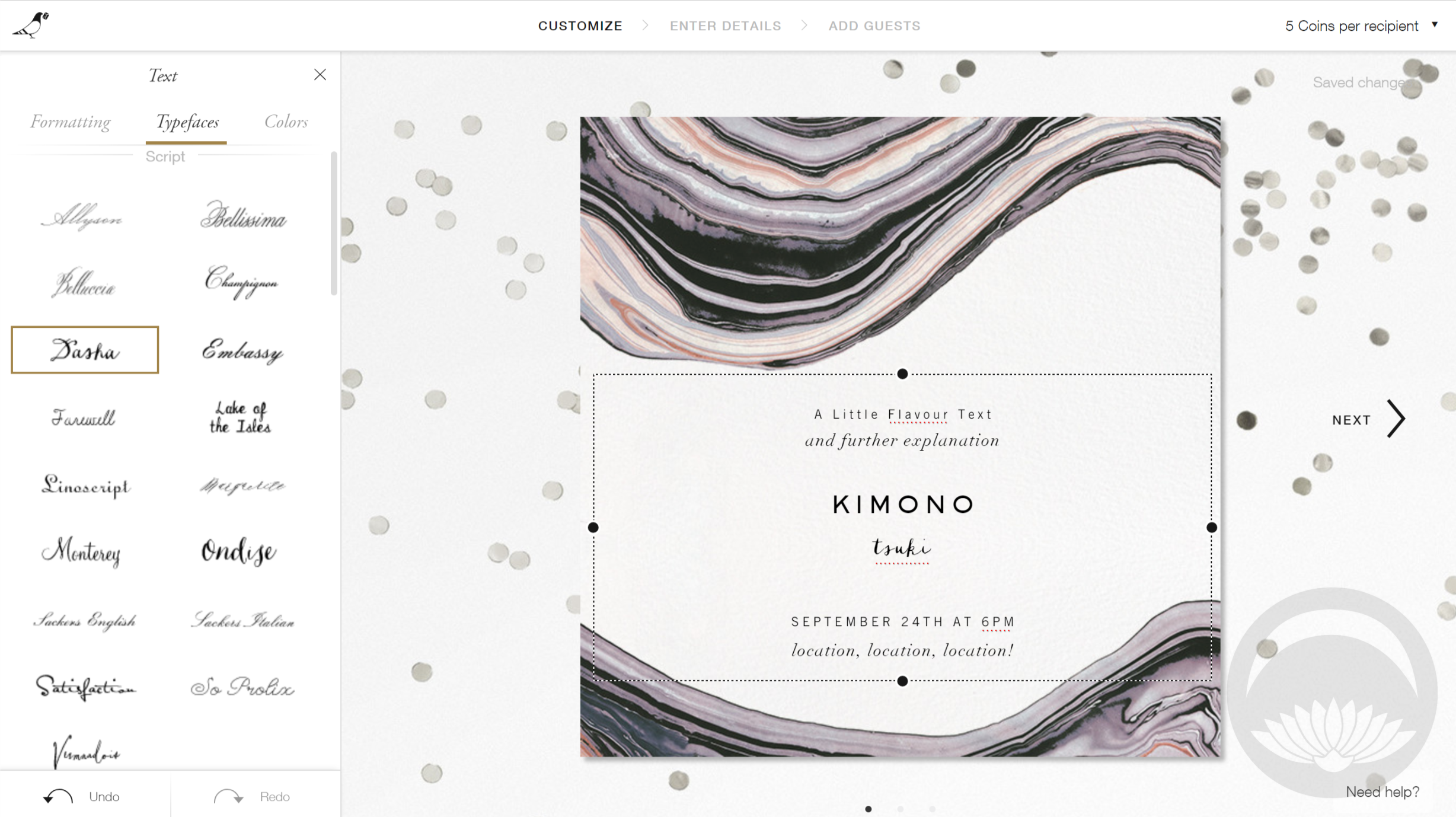
Paperless Post is a fantastic alternative to traditional mail. It’s infinitely customiseable and eco-friendly, but still feels exciting and cohesive, like receiving a physical invitation. The interface is fantastic – you can personalise nearly every aspect of the “mail” you’re sending, from the card to the envelope and stamp to even the backdrop surface the envelope opens on! For people who don’t have the time or skill to create their own designs, many of the pre-existing designs are absolutely gorgeous. However, if you enjoy that sort of a thing and like being in control, you can change or alter every element involved. As you know, seasonality and aesthetics play a huge part in kimono, so the fact that you can tweak and customise and find designs for nearly everything really appealed to me.

There are plenty of options on the site that are free, but some premium options do require an in-site coin currency. However, it’s totally possible to make and send a beautiful card or invitation without using any coins!

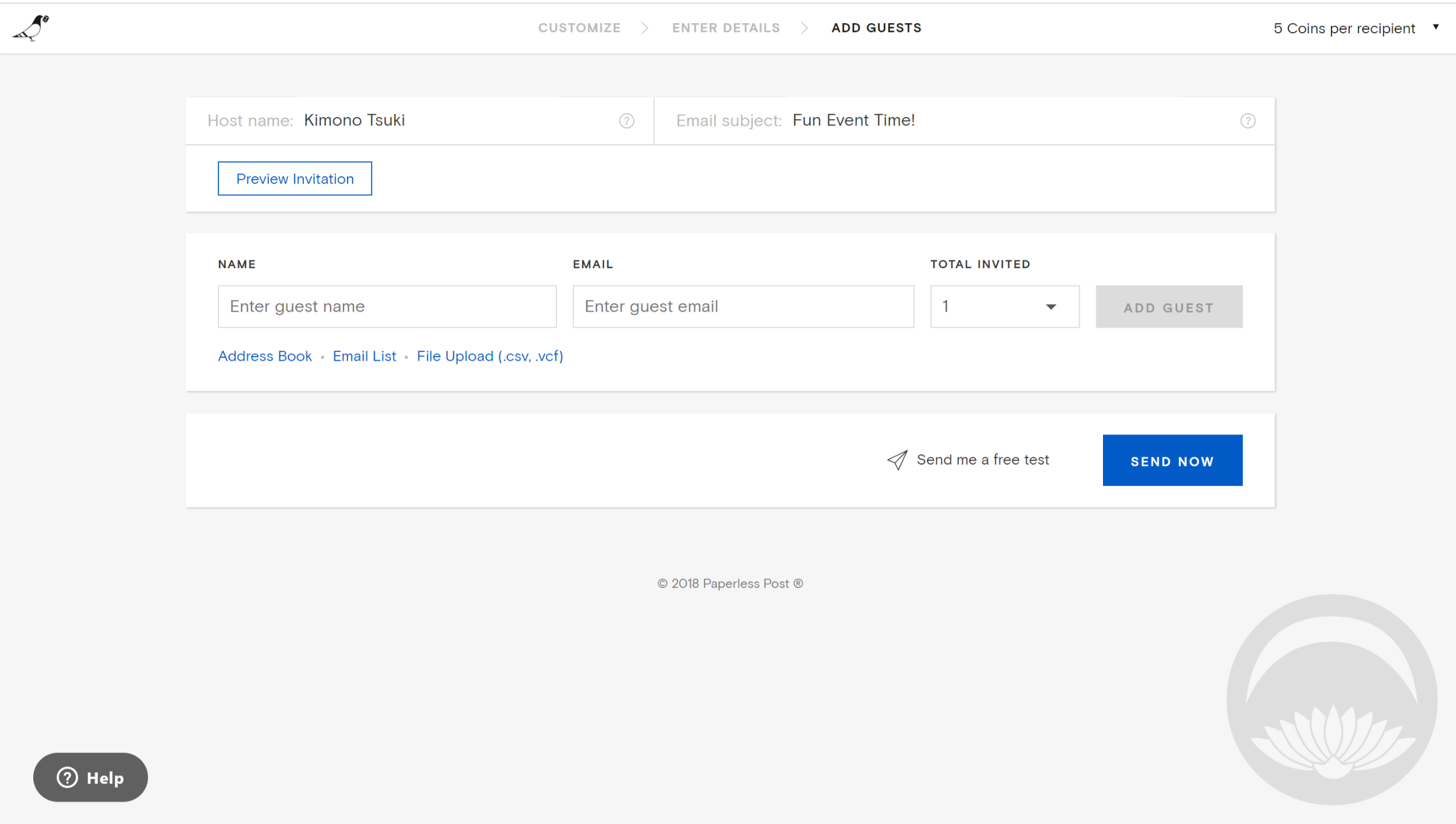
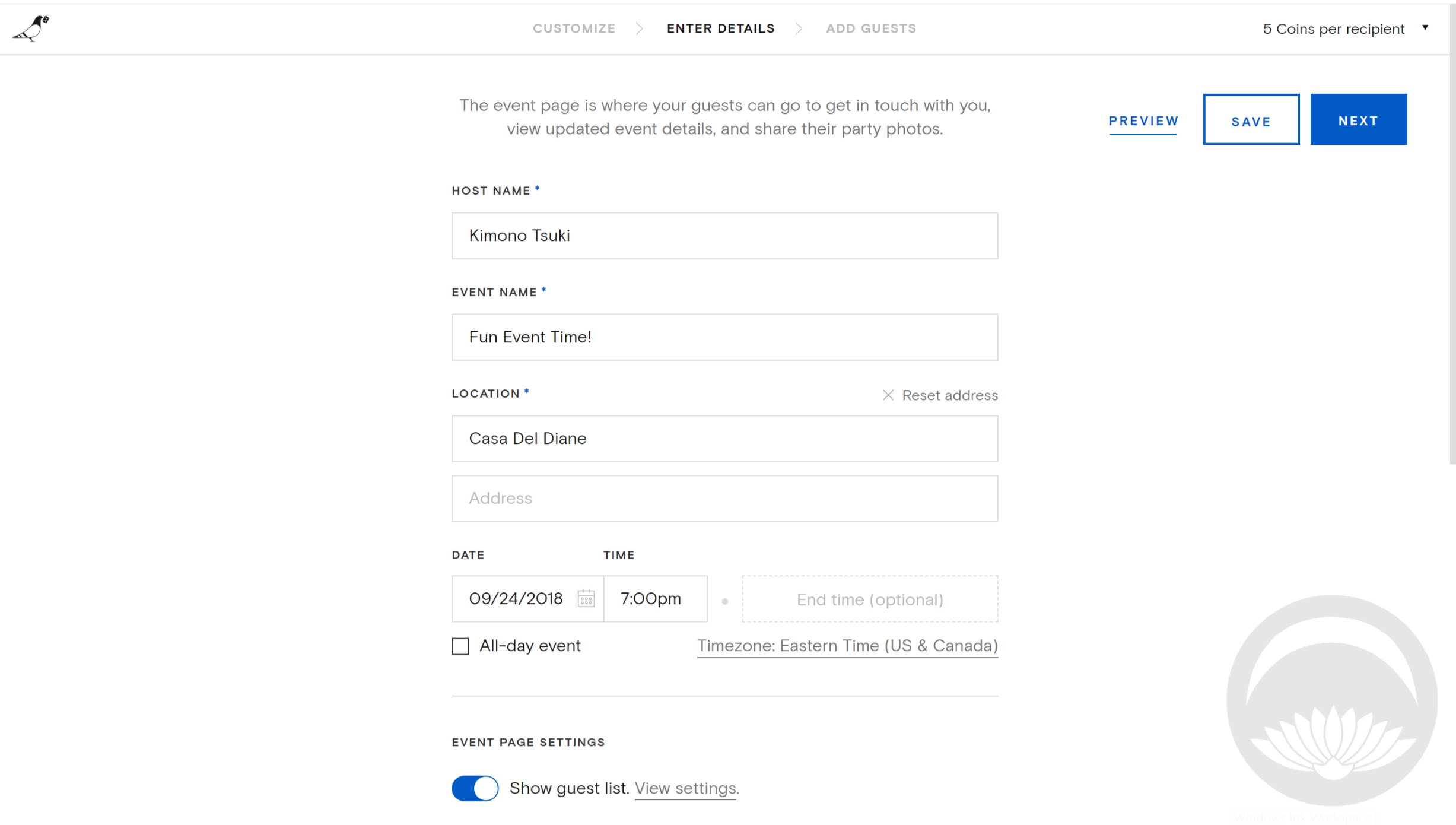
The interface is very straightforward and intuitive;  to change an element simply click on the part you’d like to edit. All the options will be displayed, and a small text in the upper corner will tell you how many coins you’ll need for each card or invitation you send out. You fill out your information and then finally enter the names and email addresses of your desired recipients. One feature I would like to see here would be some sort of integration with Facebook Events. In this modern age of social media, collecting email addresses seems almost archaic. That’s really my only “complaint” about Paperless Post, and it’s definitely a minor one. But if you’re hoping to share your card or invitation online, it’s something to keep in mind.

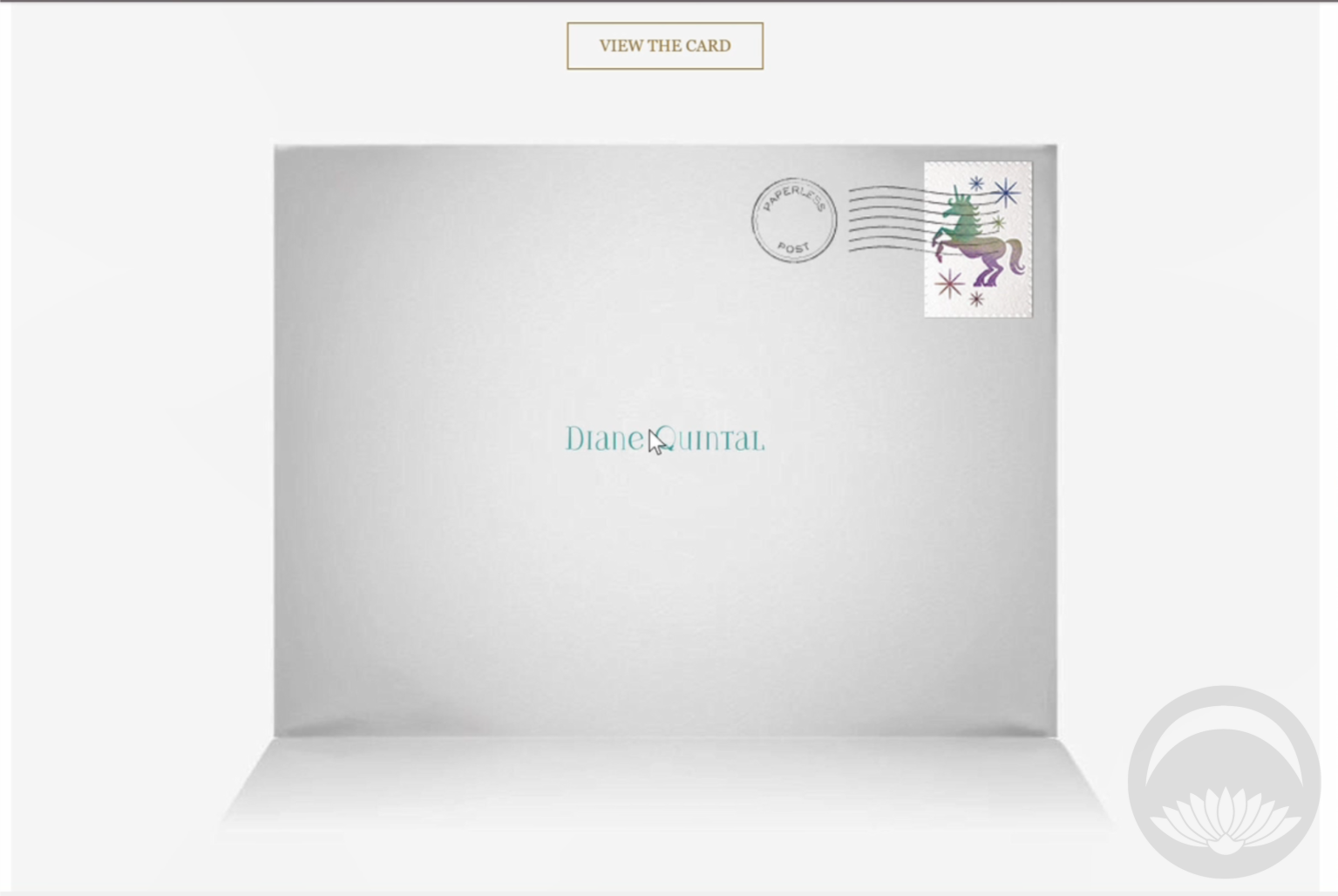
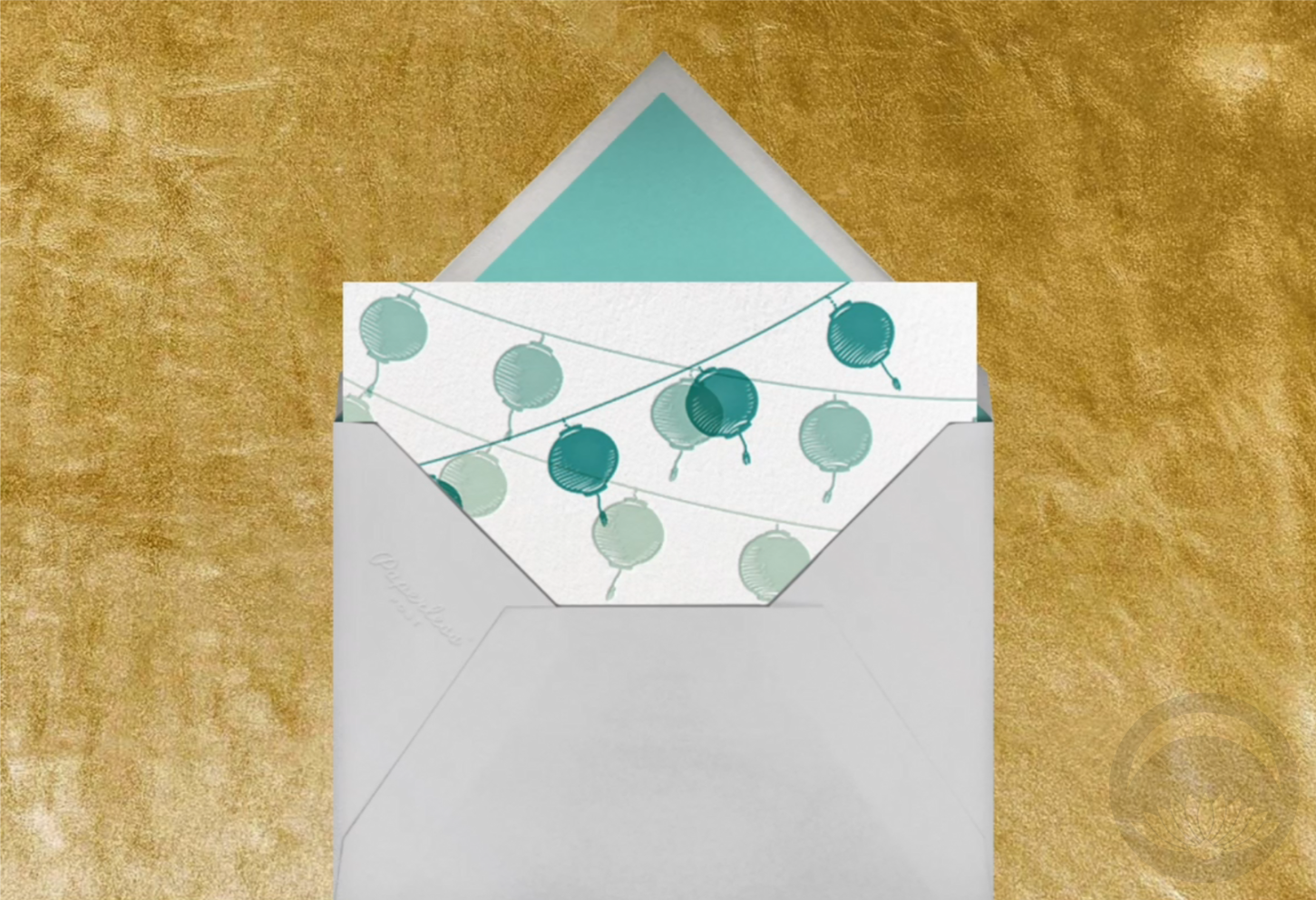
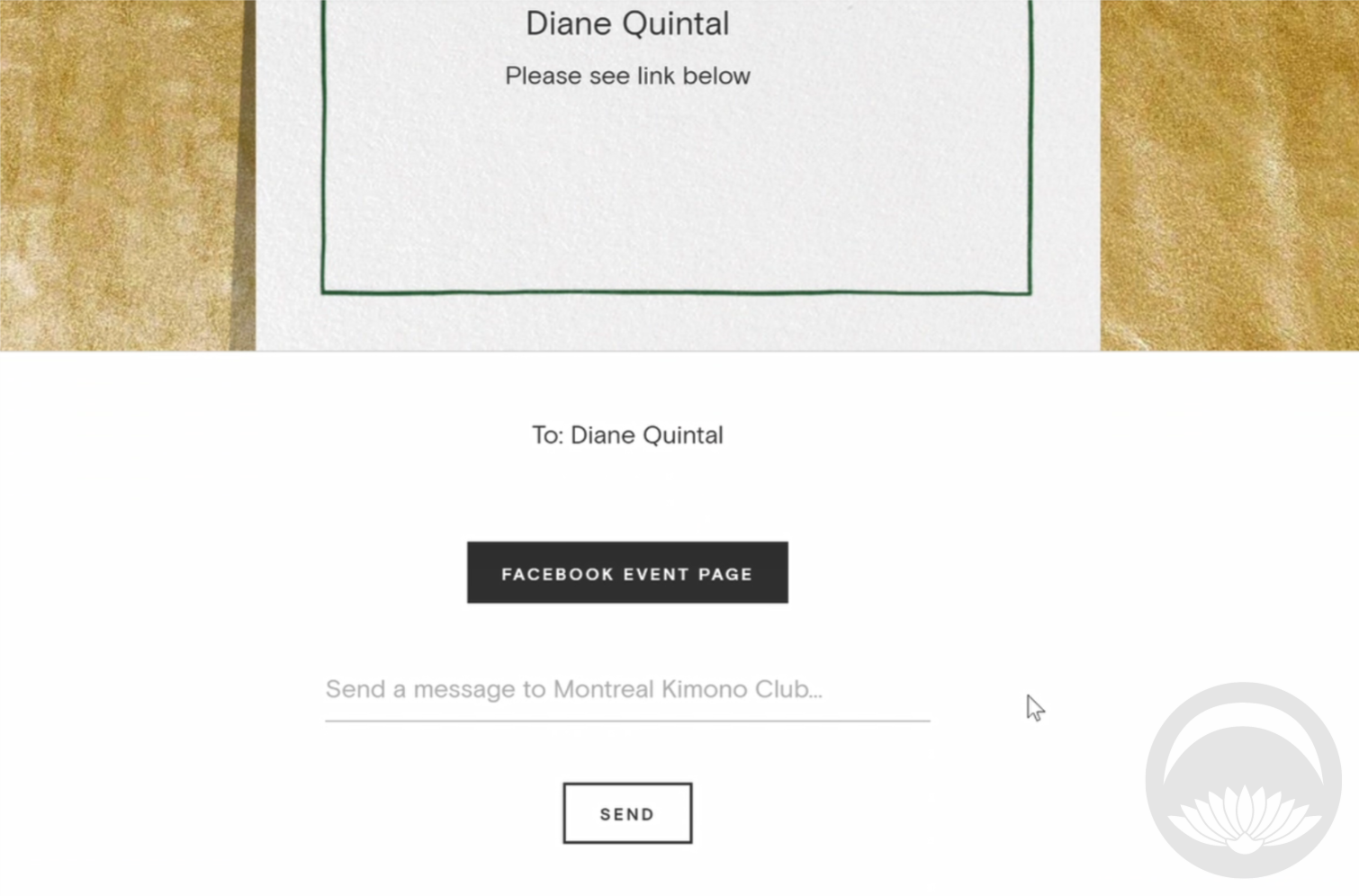
Now that the event is over and done with, here’s the lovely little invite I created for our kimono club meetup! You can see how much it looks and feels like “real” mail, from the envelope front to the card sliding out of the flap. It’s a really fun and charming experience.

Will Paperless Post replace physical mail entirely? Probably not. But in this brave new world of long-distance friendship, increasing postal service costs, and awareness of carbon footprints and environmental impacts, it’s definitely a service worth looking into!

 I received this item from the retailer or manufacturer for honest review purposes.If you have a topically appropriate craft, product, or service you would like me to review, please contact me.