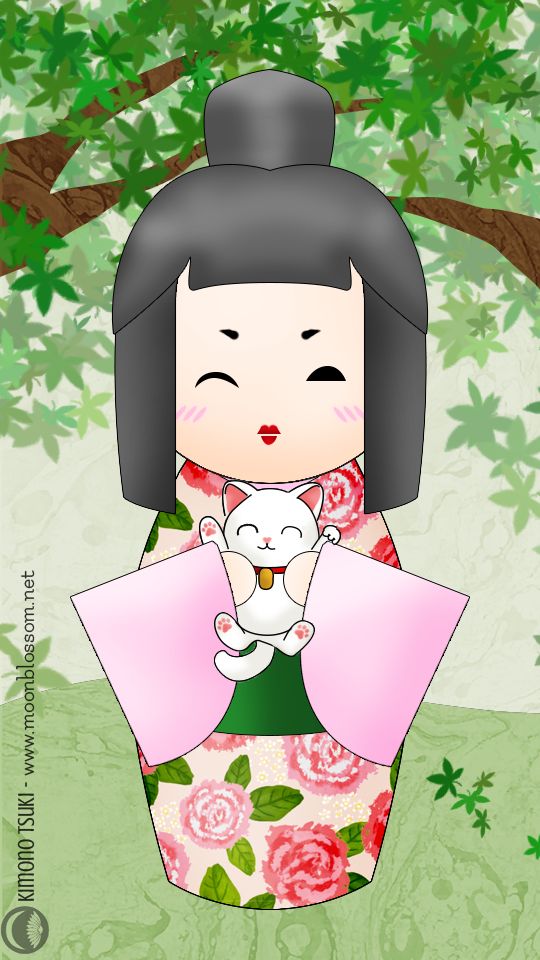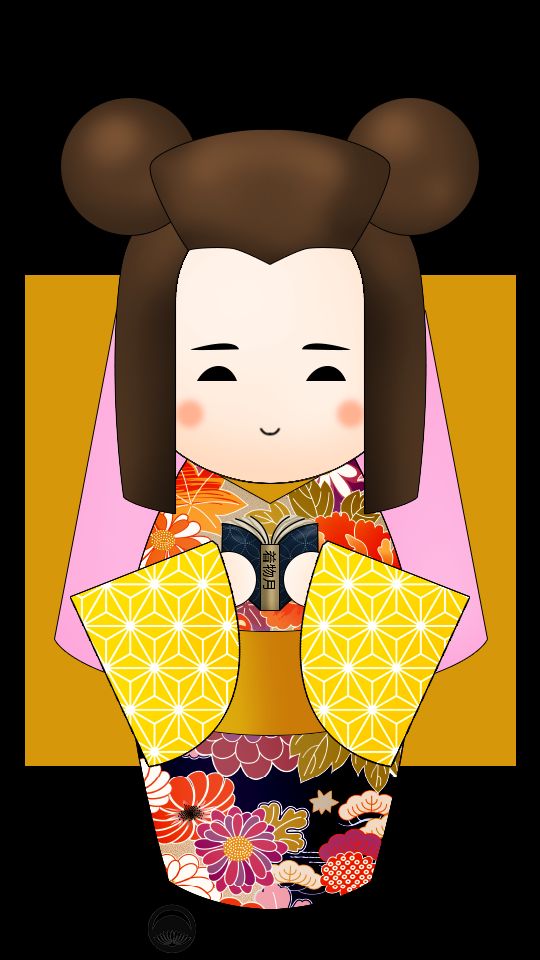
Kokeshi Picrew for Hinamatsuri!

Today is Hinamatsuri! In the past, I’ve usually either done a coordination, displayed dolls I’ve collected, or done some sort of DIY to celebrate. This year, I had bigger plans; Sophie and I were going to attend a gathering at a local tea house over the weekend. Unfortunately, I woke up with the most miserable cold and sore throat I’ve had in eons, to the point where I could barely swallow. I wasn’t up to doing much and did not want to risk spreading the ick. I was at a bit of a loss on what to do for today but then I realised it would be the perfect time to share my newest long-term project!

You all know how much I love finding and reviewing picrew avatar creators, and I figured it was high time I make my own! Presenting the official….

Kimono Tsuki Kokeshi Doll picrew maker!


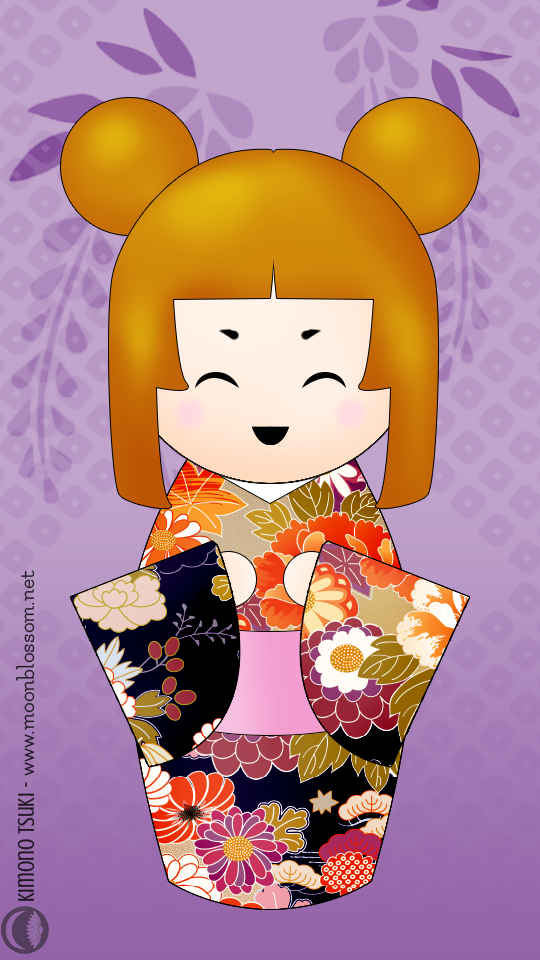
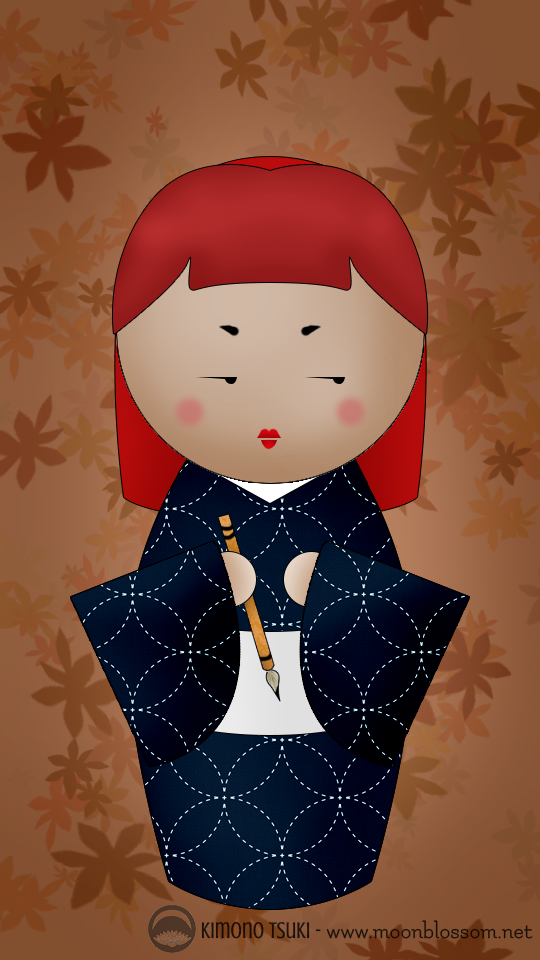
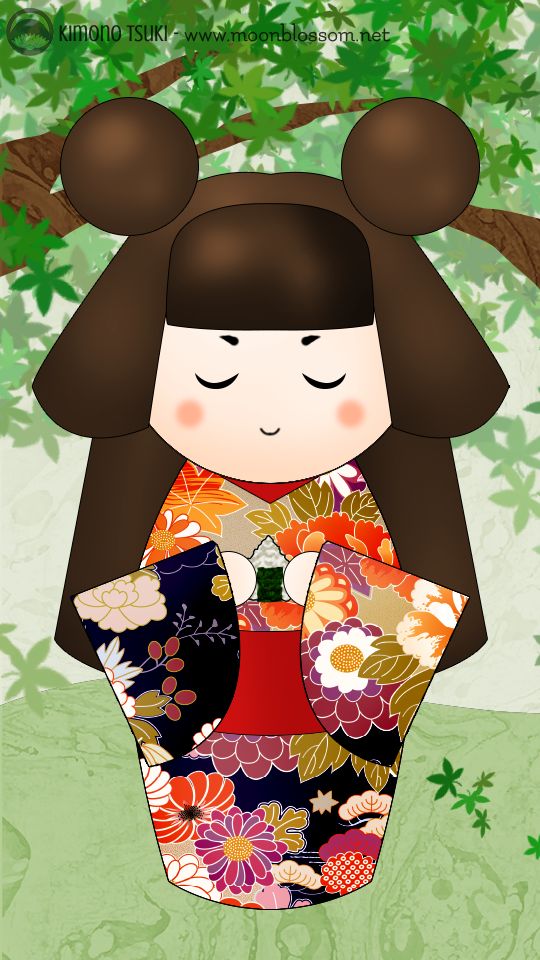
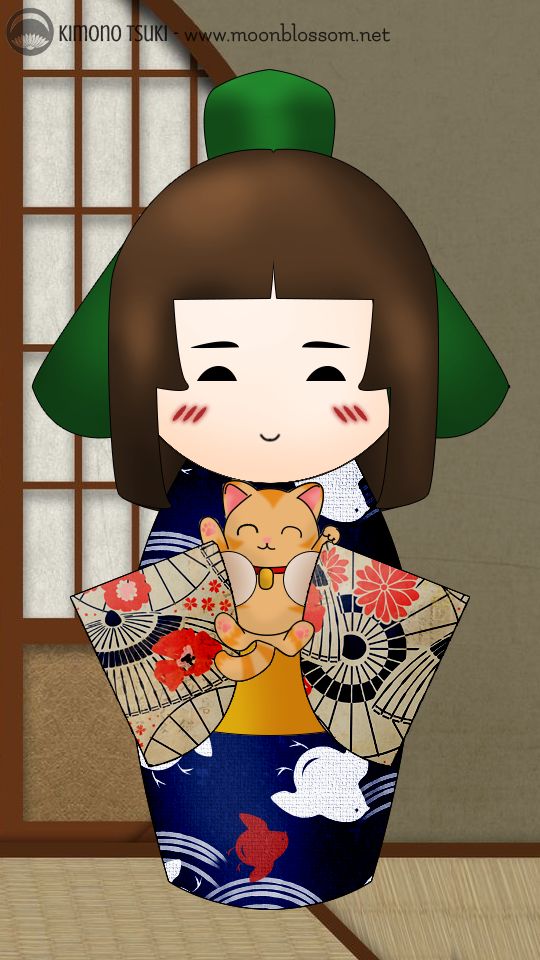
It’s been a labour of love for the past few months, puttering on weekends and after work. I still have plans to continue updating, adding more hairstyles, more hand-held items, a variety of kanzashi, maybe a haori layer… if you have any other ideas or suggestions please don’t hesitate to let me know! For fun, here’s a variety of dolls that have been made using it, by myself and my friends.
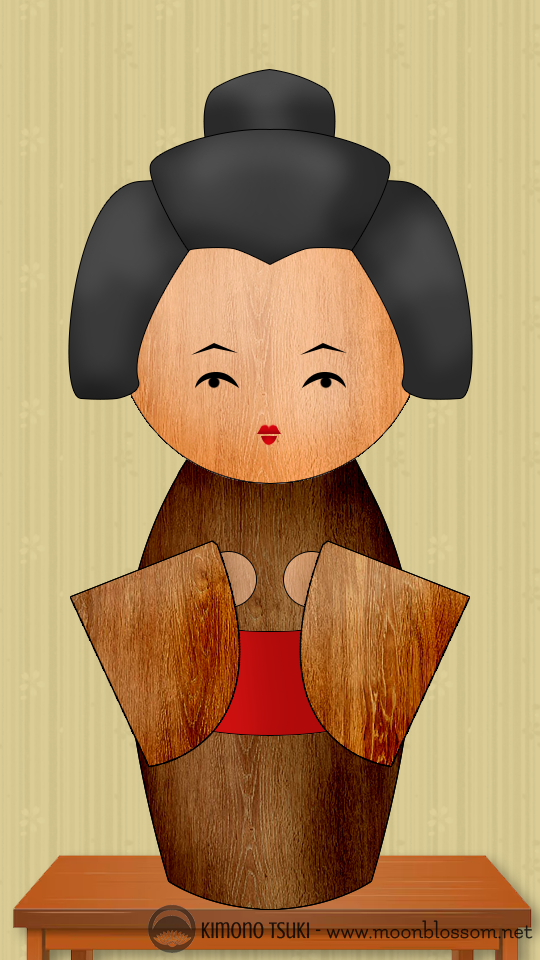
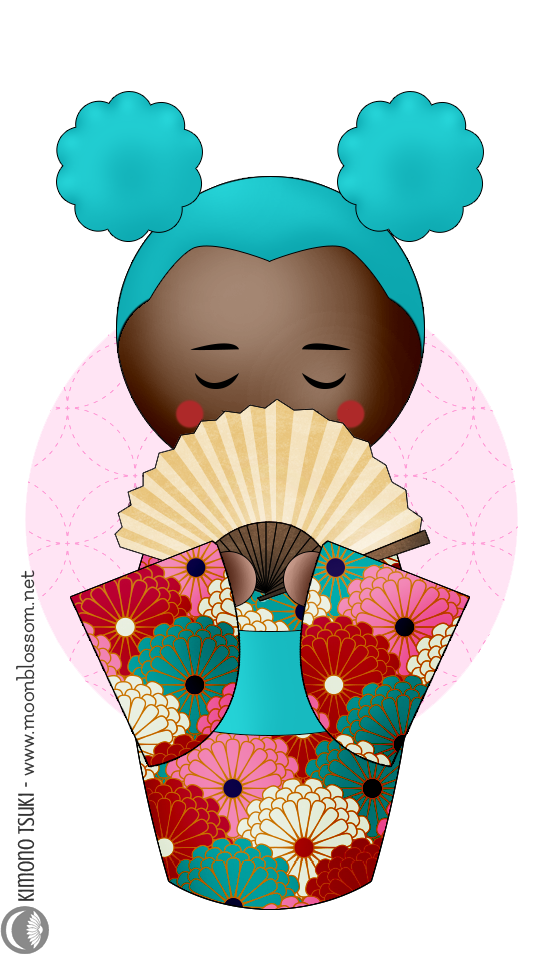
 

If you need a primer or a refresher on how to use the Picrew.me interface, I broke it down in my first post about the site, which you can read here. I hope you have fun with it, and if you make any cute dolls please show me! I would love to see!

Picrew.me Kimono Avatar Creators

If you’ve spent any time on any large social media platform lately, odds are you’ve seen avatars made using the Picrew.me site. It’s an enormous repository of avatar creators that started in Japan but has since spread worldwide. No matter what kind of avatar you want to create, you can find something for it.

However, it is quite large and a bit overwhelming to browse, especially since the interface and a lot of the creators are all in Japanese. Fear not though, I’ve gone through and found all of the best kimono-themed ones for you to play with, and a few little extras at the bottom!

How to use Picrew.me

If you’re new to Picrew and feeling overwhelmed by all the Japanese text and buttons, don’t fret! The interface is very straightforward, and here’s a little mini-tutorial that will hopefully help you out.

  • 1. Confirm/begin your avatar
  • 2. Scroll through here to see all the options to customise
  • 3. Choose item colour (if applicable – this one isn’t always available)
  • 4. Choose item style
  • 5. Save/complete your avatar
  • 6. Randomise – The first pink button randomises all features, the second pink button randomises the feature you’ve currently selected. The grey button at the bottom cancels all randomisation, the yellow button at the top confirms them.

For organisational purposes, I’ve separated these into female avatars, male avatars, and other things. I realise this gendering isn’t ideal, but the list got overwhelming without it. However, I do encourage you to use whichever avatar creator you like best!

Female Avatars

[wptb id=11268]

Male Avatars

[wptb id=11270]

Other

[wptb id=11272]

I hope you had tons of fun playing with these amazing kimono avatar creators! I would love to see what you make with them. 💖